

Automating order and invoice processing with AI: how it works

Jair Emanuels
CCO & Co-founder at Nodient
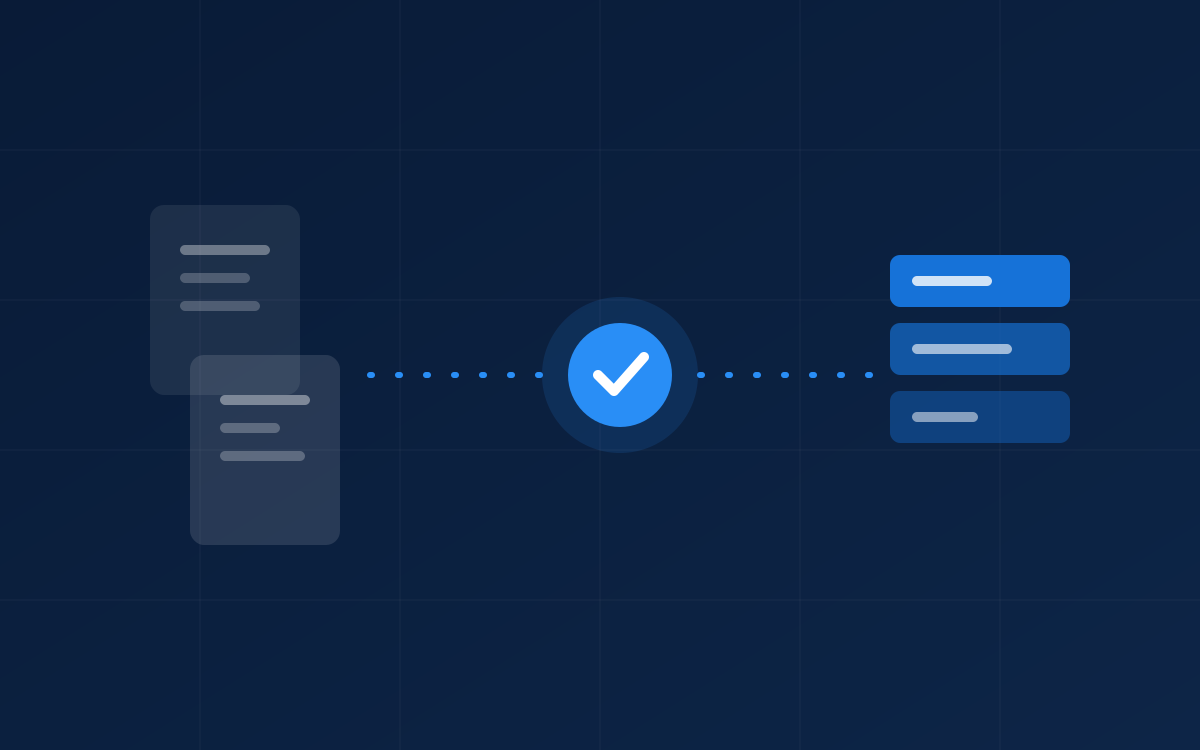
At almost every wholesaler we talk to, orders arrive the same way: by email, as a PDF, in an Excel attachment, or through a portal. Someone in the office retypes those lines into the ERP. That work is slow, dull, and error-prone, and it doesn't scale with your revenue. This exact process is one of the first things we automate for our clients.
Why manual order processing hurts
Retyping one order takes a few minutes. But at dozens of orders per day, that adds up to a full working day per week, and every retyped line is a chance for an error: a wrong article number, a shifted decimal, an outdated price. Those errors only surface at delivery or on the invoice, where they cost a multiple in recovery time.
The real problem is that this work occupies your best people. The colleague retyping orders is usually also the one who knows the customers, spots exceptions, and calls suppliers. Every hour of intake work is an hour not spent on that valuable work.
RPA versus AI: why this is now possible
Classic RPA follows fixed rules and repeats tasks exactly as programmed. That works as long as every order looks the same, which incoming orders almost never do. AI automation goes further: it understands context, learns from data, and handles variation. A model recognizes an order line or invoice line whether it comes from a clean PDF, free-form email text, or a scan.
In practice, we deploy whichever technology best fits the process: sometimes a simple integration, often a combination of AI extraction with hard validation rules.
What an automated order flow looks like
A well-designed flow consists of four steps, with a human in the right place:
- Intake: orders arrive via email, PDF, or portal and are automatically recognized and extracted.
- Validation: every line is checked against your ERP. Does the article exist, is the price correct, is the customer known?
- Exceptions: anything that isn't 100% certain goes to a review screen where a colleague approves or corrects it in seconds.
- Booking: validated orders are entered into the ERP automatically, without anyone retyping a thing.
What it delivers
For beverage wholesaler Right Spirits, we automated order processing: orders are now processed 4x faster, with 99% fewer input errors and over 25 hours saved per week. We see that pattern broadly: our clients save an average of 8 to 16 hours per week per team and reduce data-processing errors by 90% or more.
Importantly, this works with your existing systems. We integrate with ERP and accounting packages such as Business Central, SAP, Exact, and Odoo, and only build custom components where genuinely needed.
For most wholesalers, order processing is the fastest route to visible results with AI: a well-defined process, measurable time savings, and an average payback period of 3 to 6 months. A focused project goes live in 4 to 8 weeks.
Frequently asked questions
What is the difference between RPA and AI automation?
RPA follows fixed rules and repeats tasks exactly as programmed. AI automation understands context, learns from data, and handles variation, such as automatically recognizing and processing invoices in different formats. We deploy whichever fits your process best.
Does this work with our existing ERP system?
Yes. We integrate with packages such as Business Central, SAP, Exact, and Odoo, and only build custom components where genuinely needed.
What happens to orders the system isn't sure about?
Anything that isn't 100% certain goes to a review screen where a colleague approves or corrects it in seconds. Nothing ever enters the ERP unchecked.